Part 20
Render of Whirl Islands lower cave
Part 20 is finally here. It's been ready for release for a while. I've just finally gotten around to writing this post.
Cianwood City is a remote coastal city in the south-west of Johto.
Despite its remote location, it has a gym and a Pokemon Centre.
All the houses and scenery in the overworld.
The gym. It is built underground as usual but it is turned 90 degrees anti-clockwise to make space for the caves of the Whirl Islands.
There is a water theme for this gym.
Going through the middle of the gym is a large water trough. In the Pokemon games, the gym leader stands under the water stream at ground level.
The fake mechanism to turn the water off. In the Pokemon games, you must turn off the water to talk to the gym leader.
The Whirl Islands required a region-wide modification to accommodate the underground cave system. More info about that soon, though. The Whirl Islands is a large system of islands and caves that stretch deep underground. In the Pokemon games Lugia can be found deep in the caves.
MCEdit was very useful for this (and everything else in this project). Such a time saver.
The first cave is quite large but as flat as paper in comparison to the other rooms. This cave has the usual cave features. Stairs, ledges, dead ends.
Finishing touches to the cave to make it look more natural.
The glass ceiling was temporary.
Underground view of the inside cave.
The main cave caused concern over its height. It was just under 50 blocks high from floor to cieling. However, the flatland seed I used to create Johto on was 34 blocks from sea level to bedrock. So you can see the issue.
Anyway. The main cave has a rather precarious staircase that takes you down to the entrance of the cave with Lugia in it.
Using the brush in MCEdit I encrusted the walls with dirt for a more 'real' look.
Strategically placed torches were placed. I wanted the walls to be dimly lit to highlight the cave's features. But I wanted the torches to be invisible from the the players eye.
Same lighting principle applied to the rocks at the bottom of the cave.
Up the top is where the ladders connect the caves.
The lower cave pretty much done.
Lugia's cave fits perfectly into the rectangular prism of the lower cave.
Integrating Lugia's cave was quite straightforward.
And here it is complete with waterfall and strategic lighting.
Now. Time to install the cave.
Raising the height of an entire Minecraft world is easier said than done.
To raise the world in a nutshell. Create a new flatland world with 1 layer of bedrock, 90 layers of dirt and three layers of water. The old world was the same except it had 30 layers of dirt which at the start I thought would be sufficienct, but it wasn't.
After creating the new world I tried cloning the entire region in one go but it consumed too much of my computers resources. So the world was broken up into chunks and cloned into the new world.
It created some interesting section views.
Now, after about 4 hours of work the lower cave can finally be installed and the ladders connected.
And there it is. Whirl Islands.
What it looks like underground.
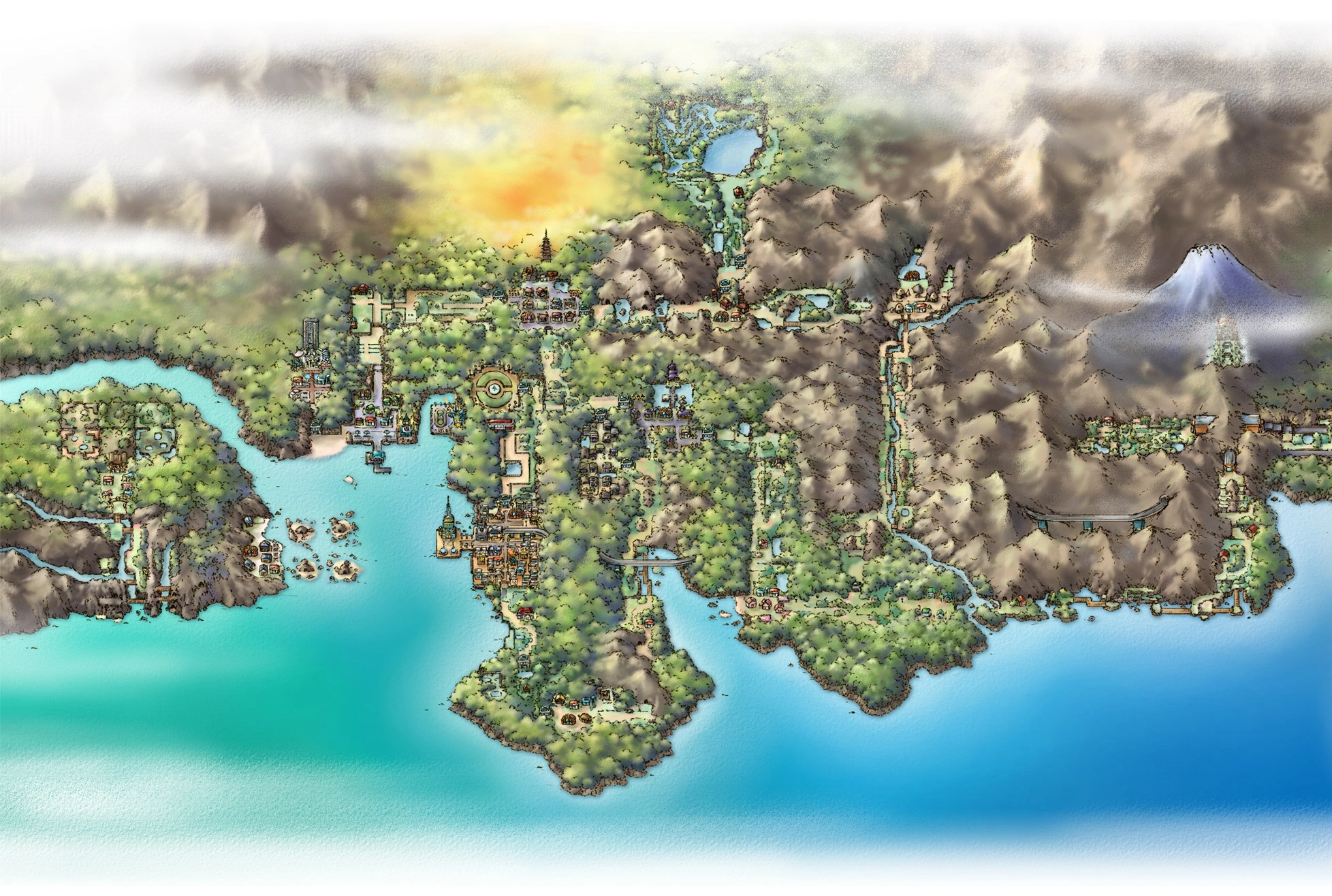
Progress so far. The pale colour is a result of the entire region being 50 blocks higher than previously.
Stay tuned and subscribe.
PS: Check this project out on Planet Minecraft.
http://www.planetminecraft.com/project/pokmon-johto-and-kanto-regions/
And sample the progress so far by downloading the world here:
https://www.dropbox.com/s/6sdwewmcytixq74/JohtoKantoSnap20.zip?dl=0
If you have any tips for improvement please don't hesitate to share. It would be greatly appreciated. Next: Route 47 and 48
After That: Safari Zone
And After That: Finishing touches for Johto
41% Complete.